
Foreman
In the morning it sees who came to the shift and assigns tasks by GMP standards: who goes to which area. During the day it watches the areas, reassigns people when the plan changes and counts how much is already done.
Cameras that understand what they see
VAAI connects to the ordinary cameras on your site and turns video into numbers, alerts and tasks. Each module is switched on separately — on the cameras where it is needed.
In the morning it sees who came to the shift and assigns tasks by GMP standards: who goes to which area. During the day it watches the areas, reassigns people when the plan changes and counts how much is already done.
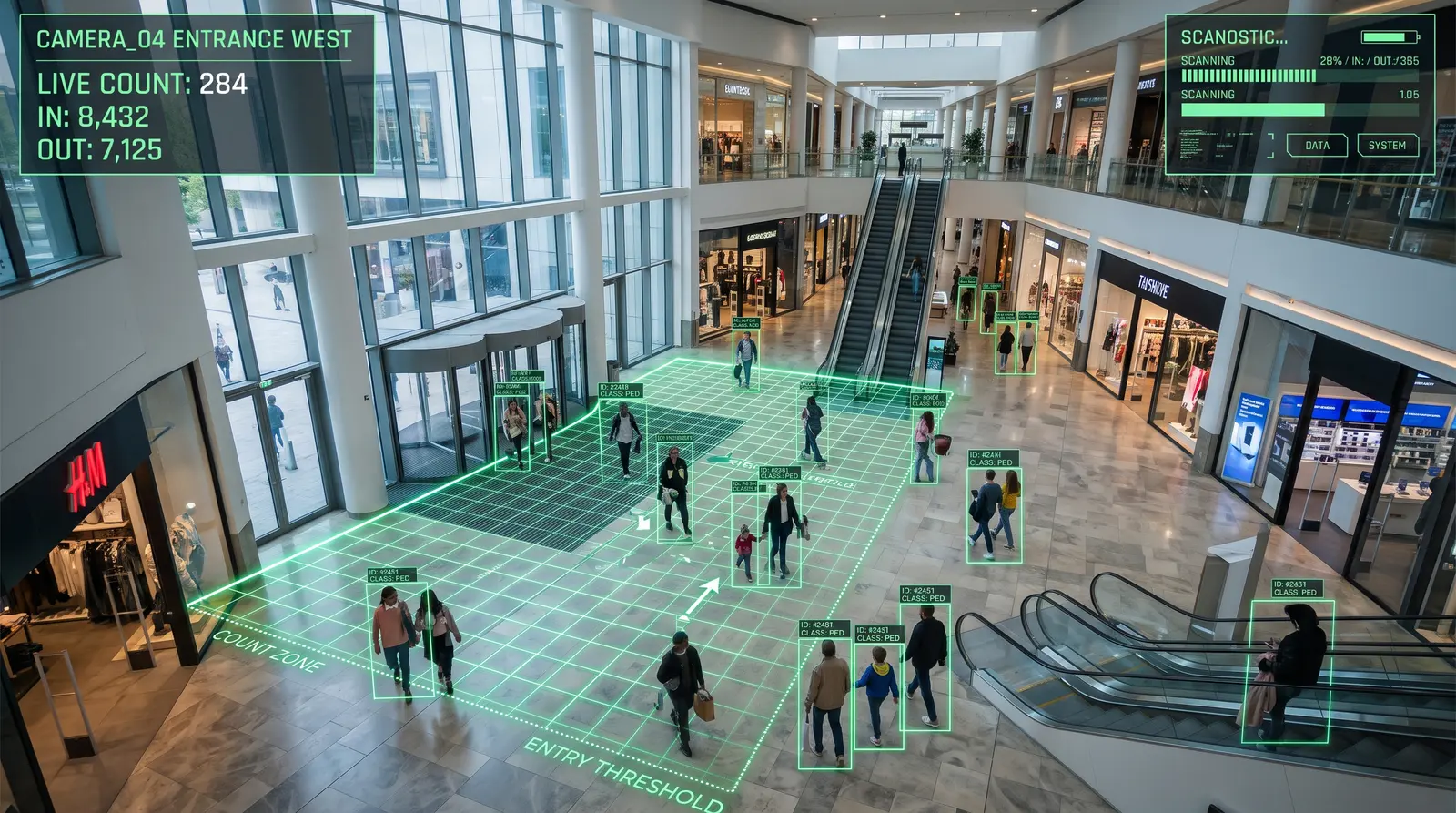
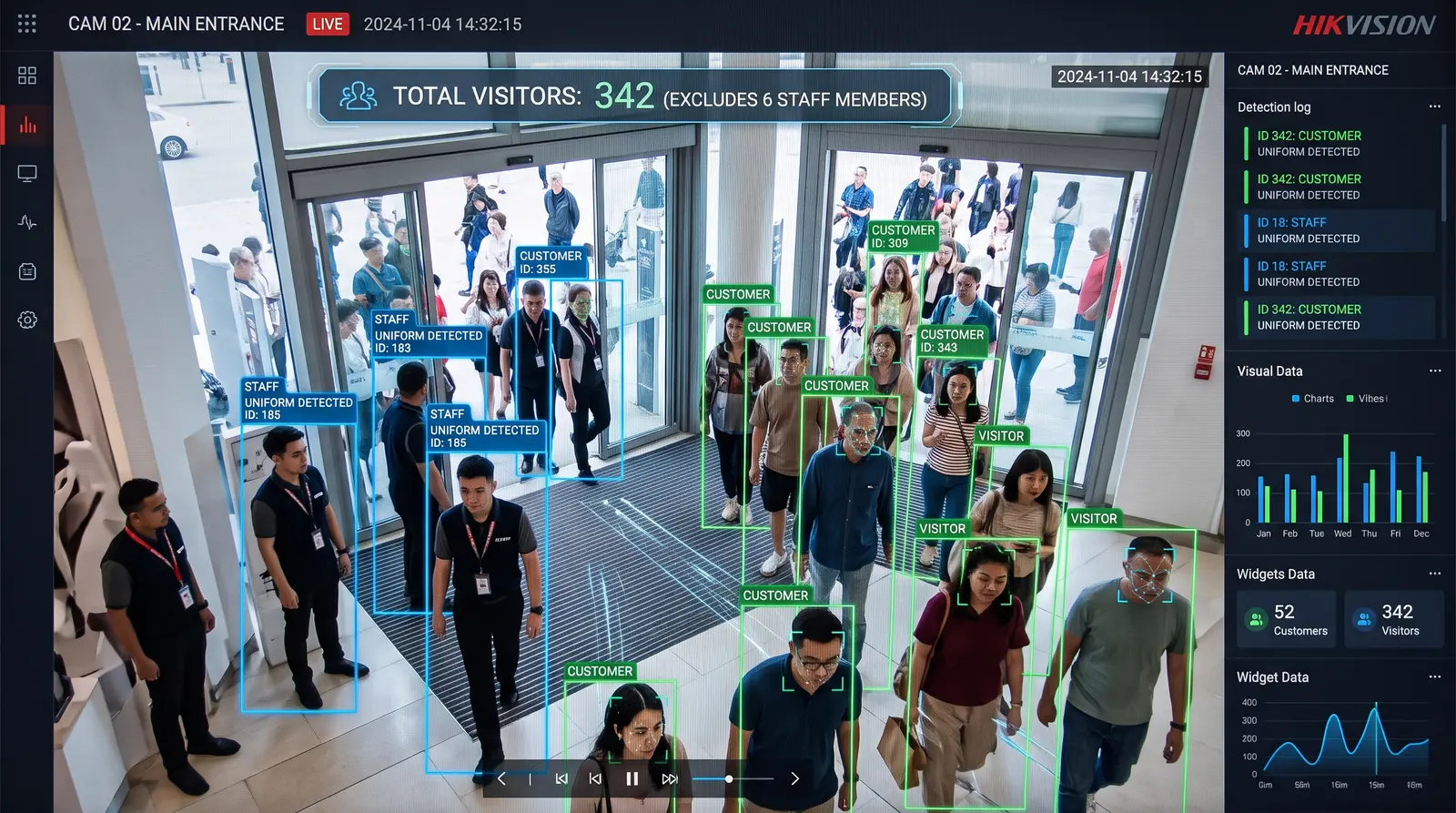
Entries and exits, how many people are inside right now, gender and age, children. Hourly charts and a busyness heatmap show where it gets crowded.
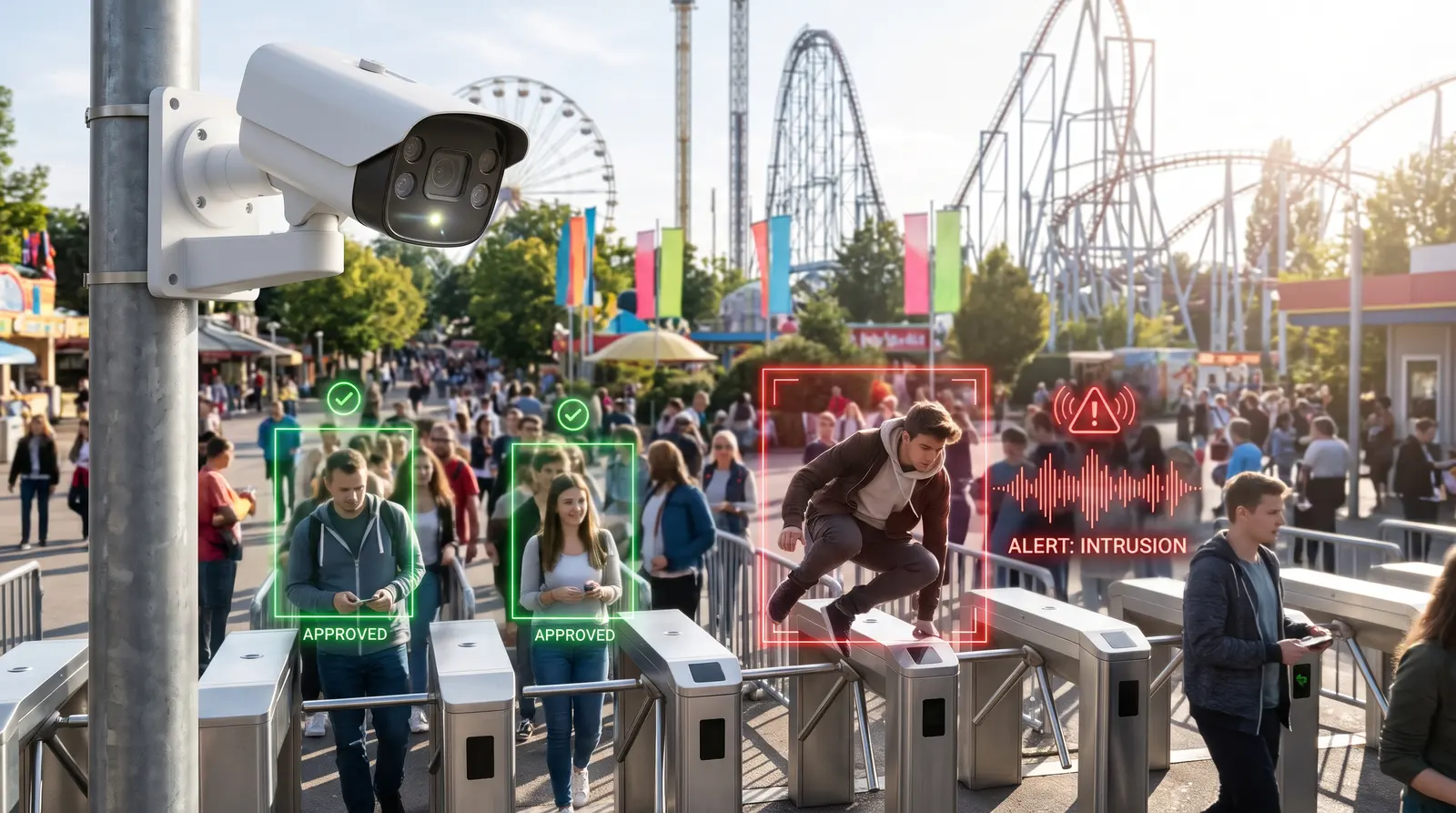
Every turnstile passage is checked against a payment. Passed without a ticket — an incident with video of the seconds before, and the operator decides.
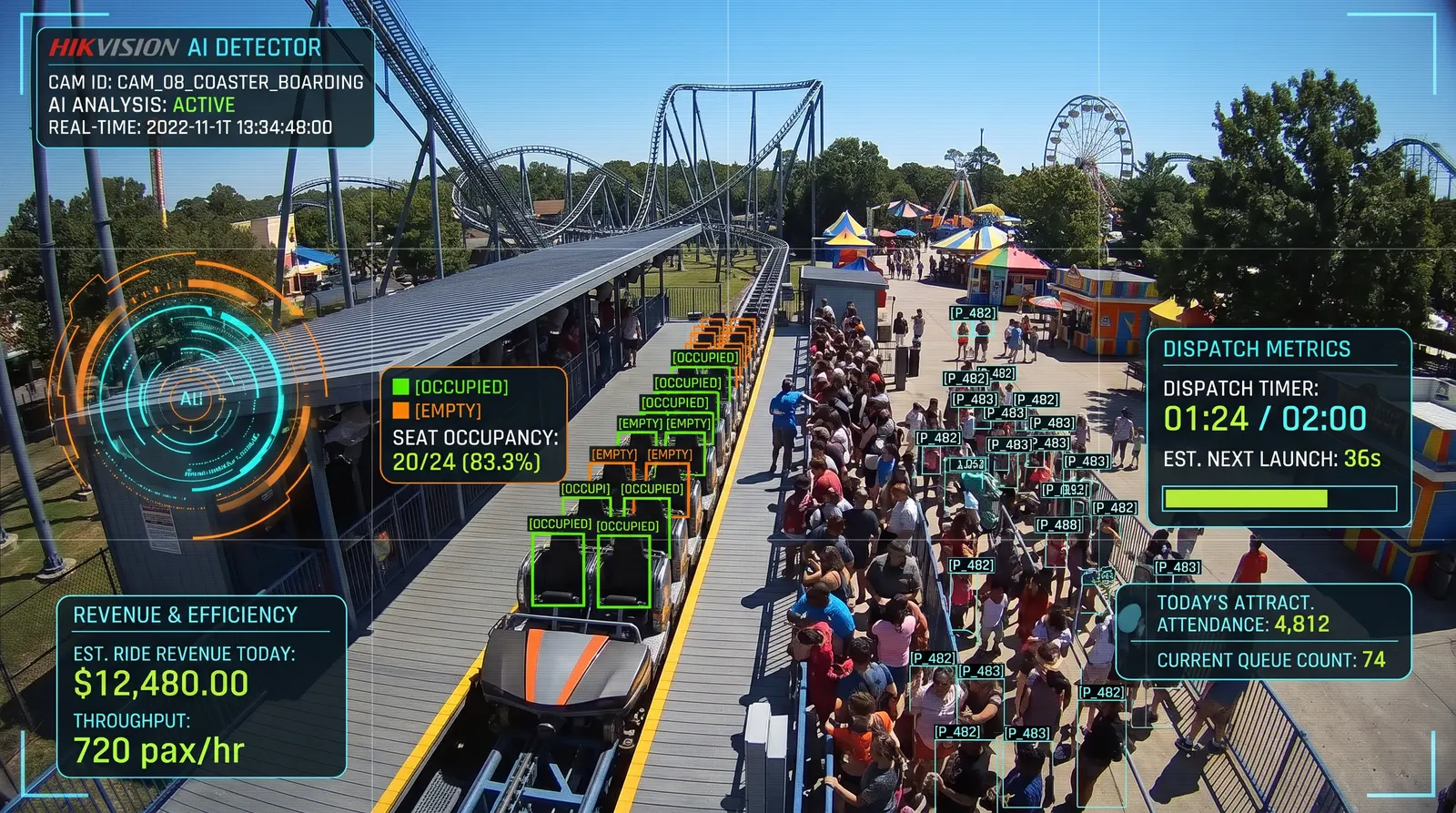
Counts ride boardings and boarding time, attendance and revenue of every point. Makes sure the ride is started on time.
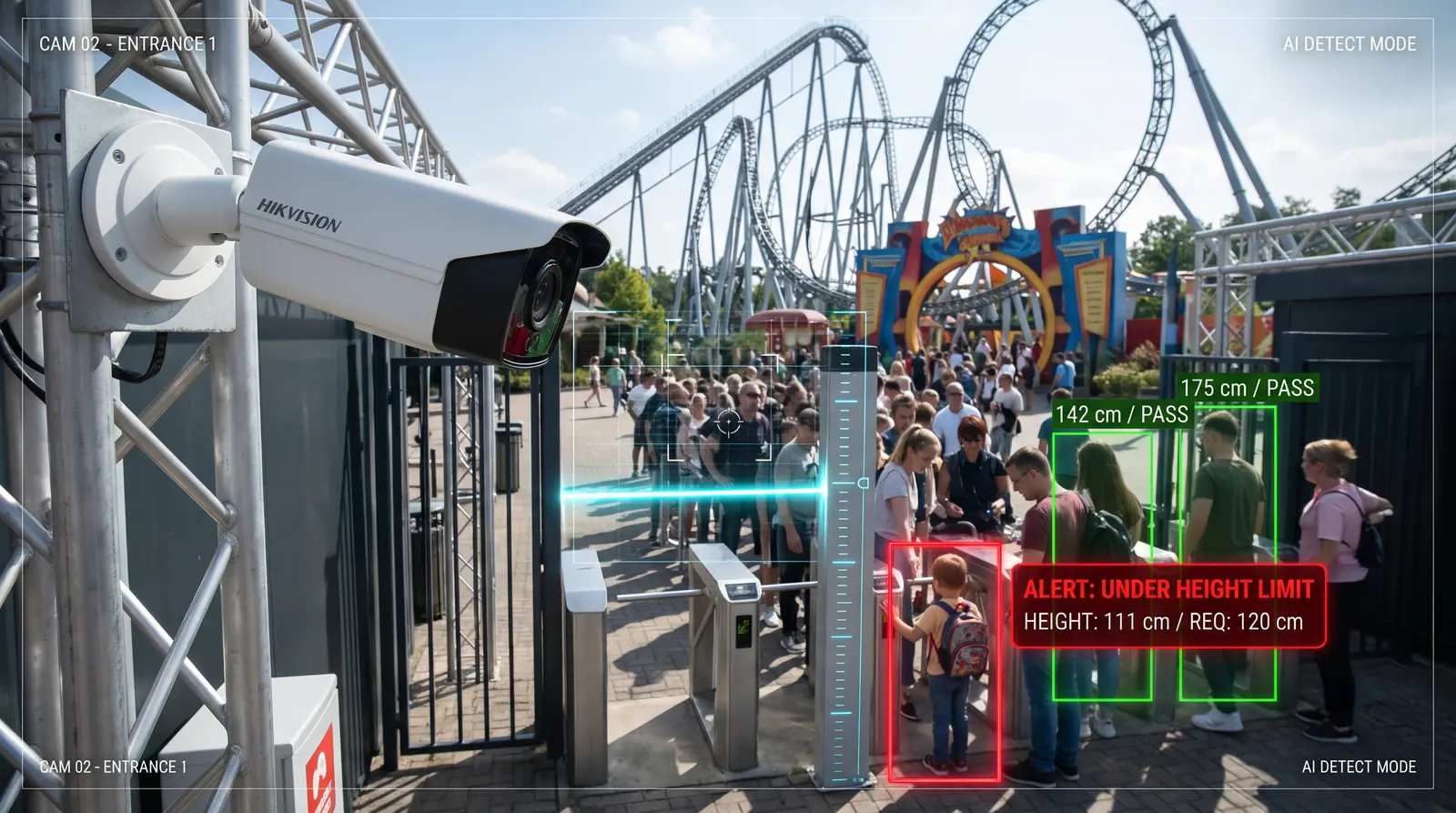
Spots a child without an adult in a watch zone and a visitor under the allowed age.
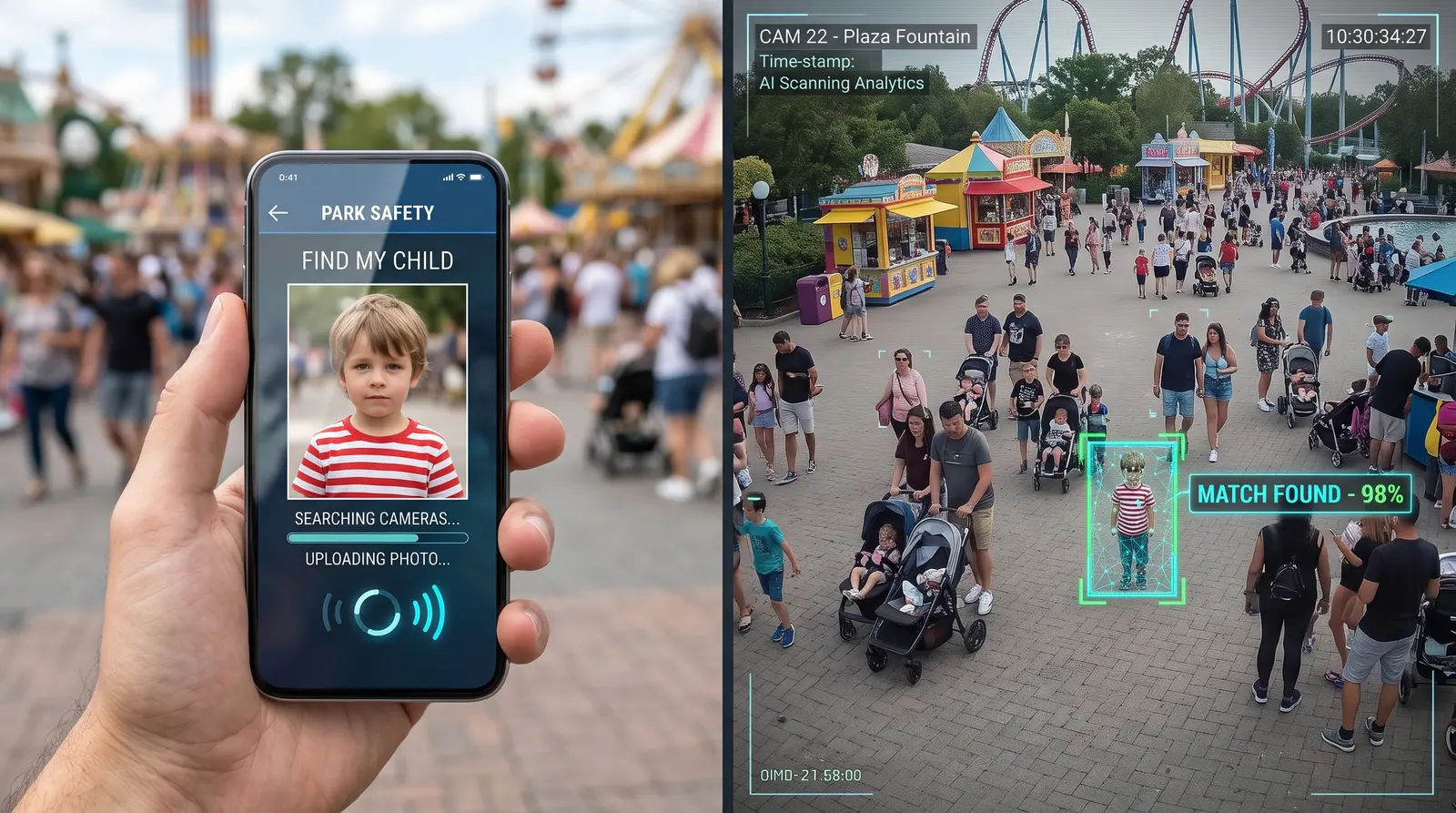
Searches by photo and by clothing on all cameras at once, shows the person’s path across the site and prepares a printable search card.
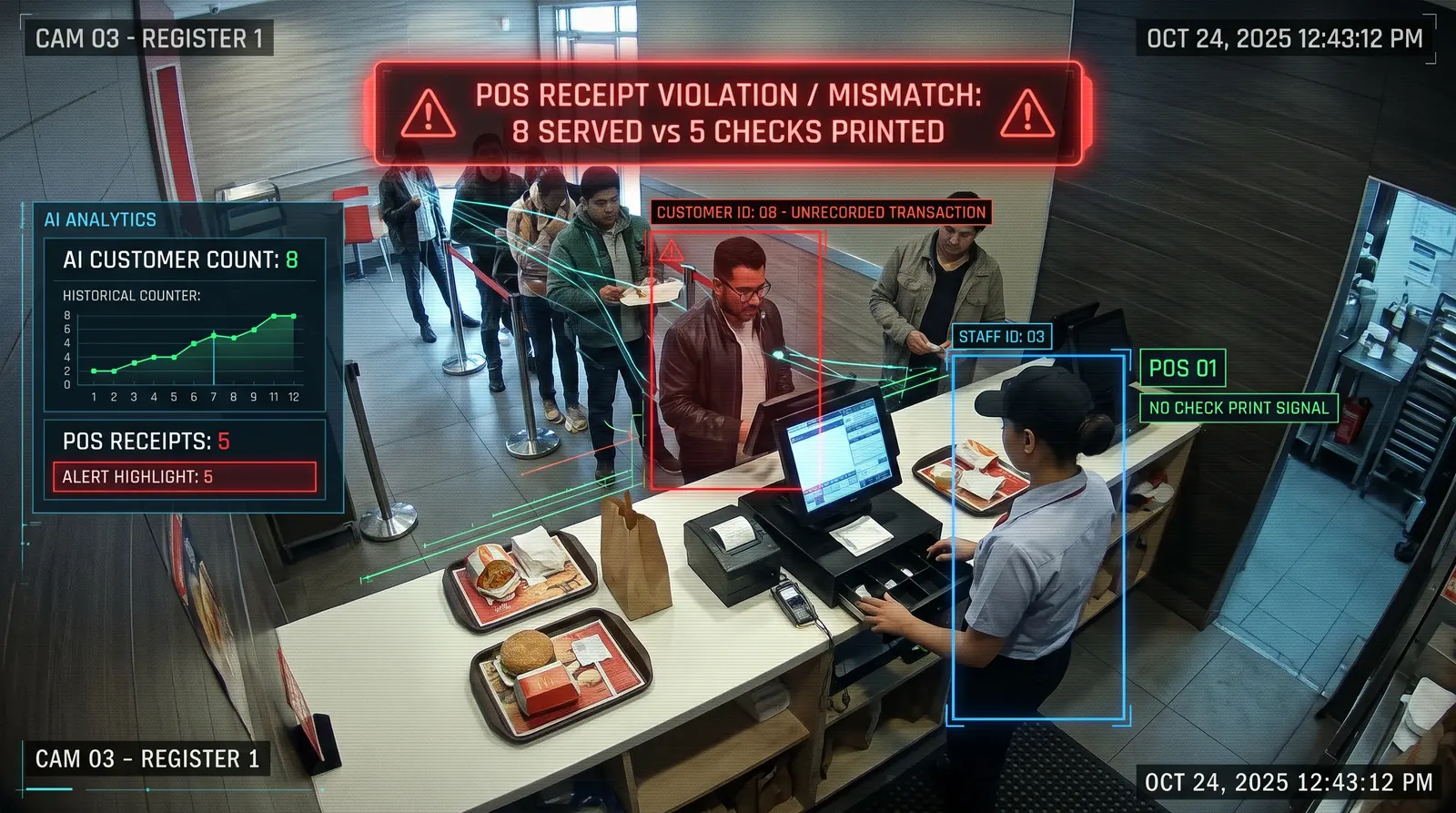
The camera counts who was served. The till knows how many receipts were punched. The gap is sales past the till.
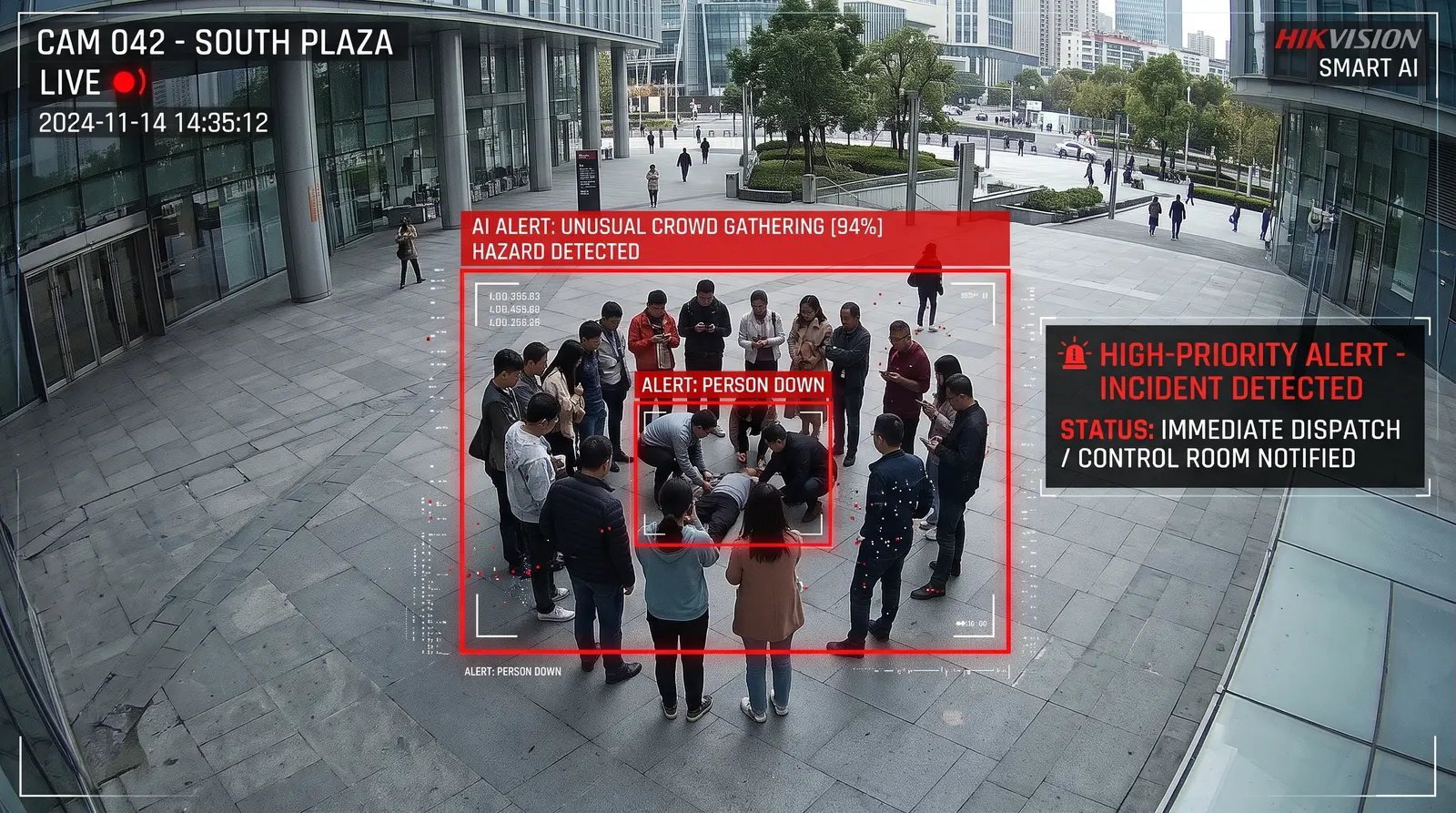
Sees a fight, a fall and a crowd of onlookers — security knows before anyone calls.
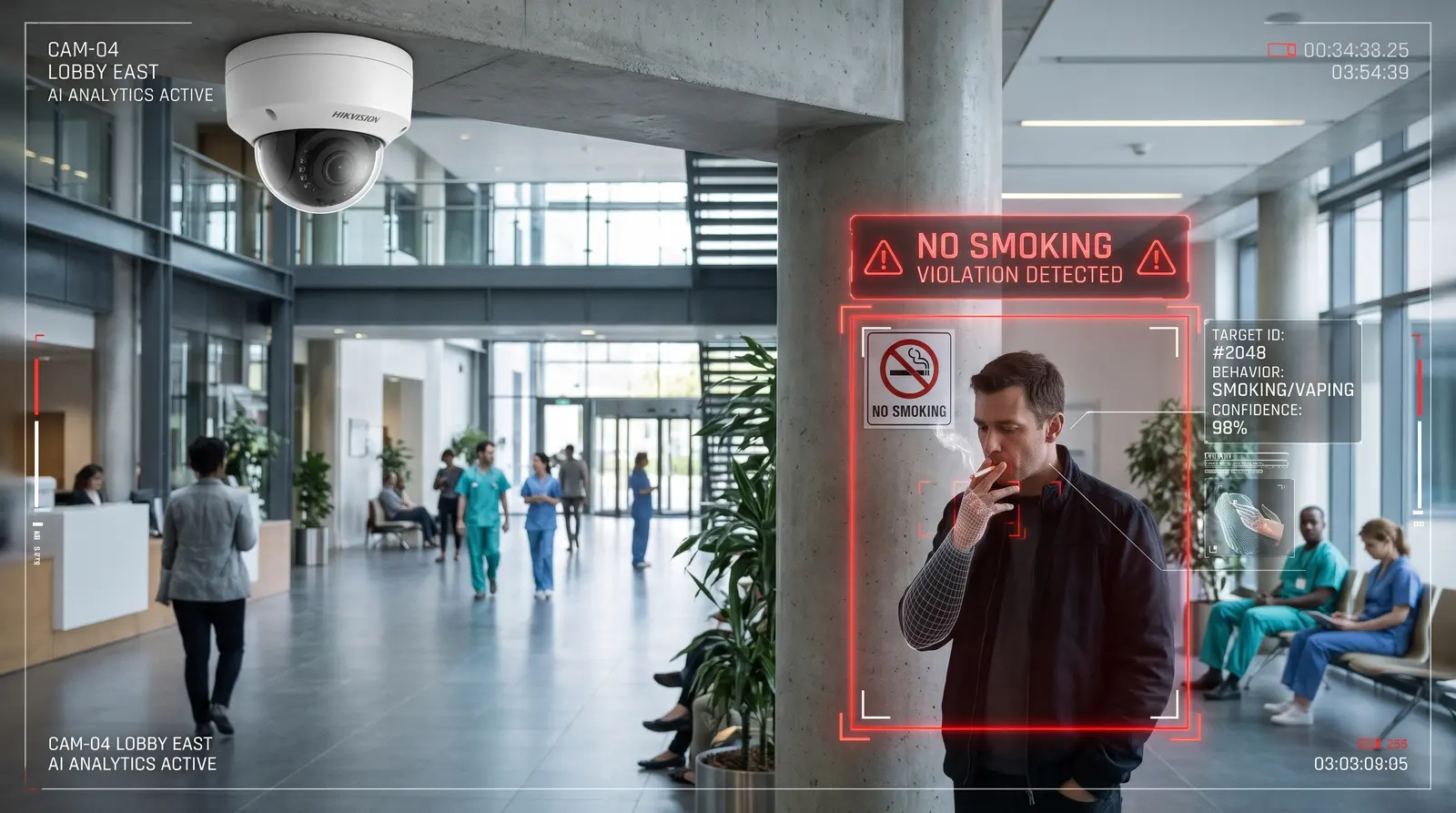
Notices smoking where it is not allowed.
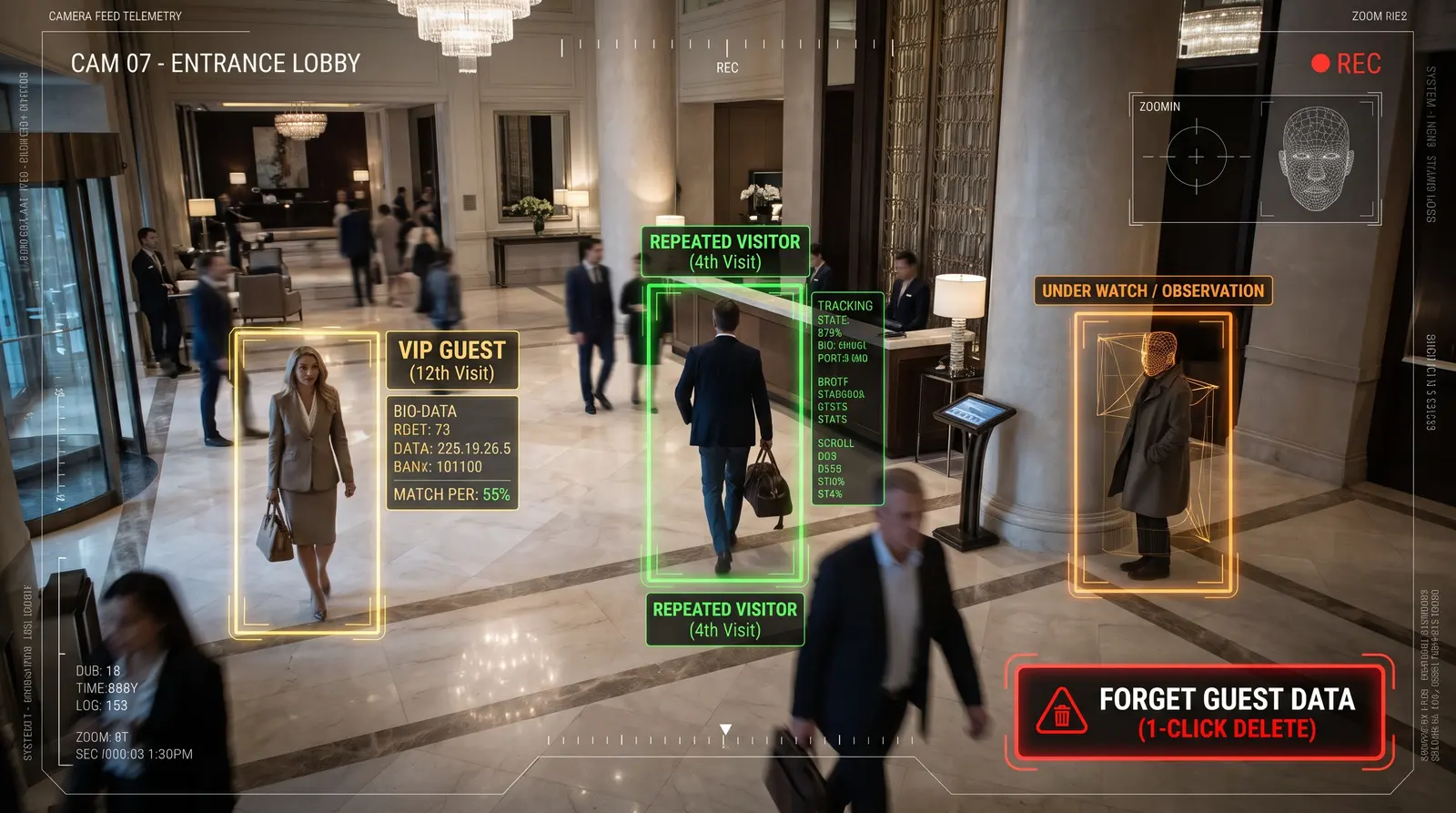
Shows the share of repeat visits, marks VIPs and guests under watch. A guest can be forgotten with one button.
Recognises staff by face or by uniform and does not count them as visitors — the numbers stay honest.
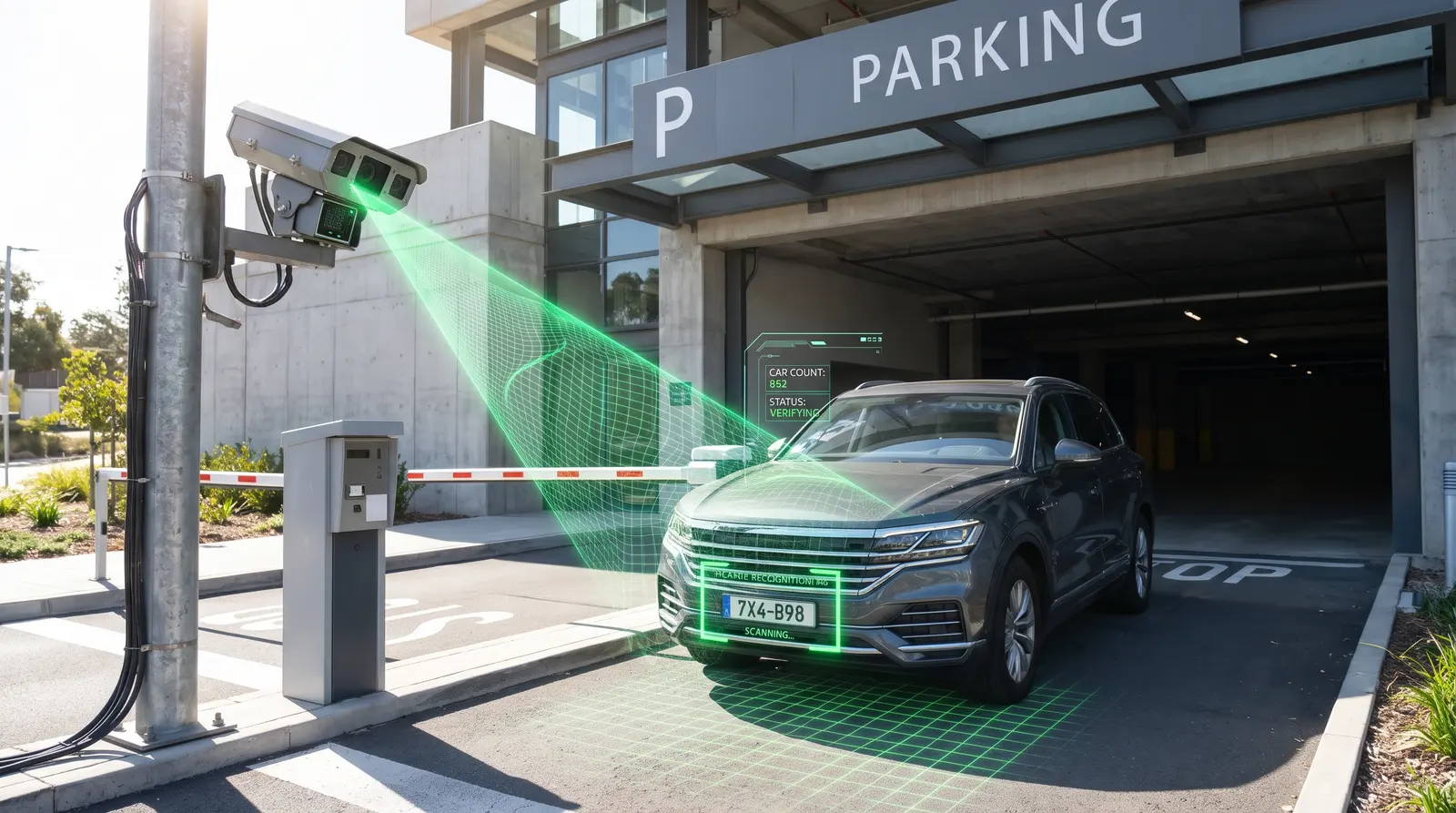
Entry and exit, licence plate recognition, tariffs with a daily cap, a whitelist and a free-spaces board.
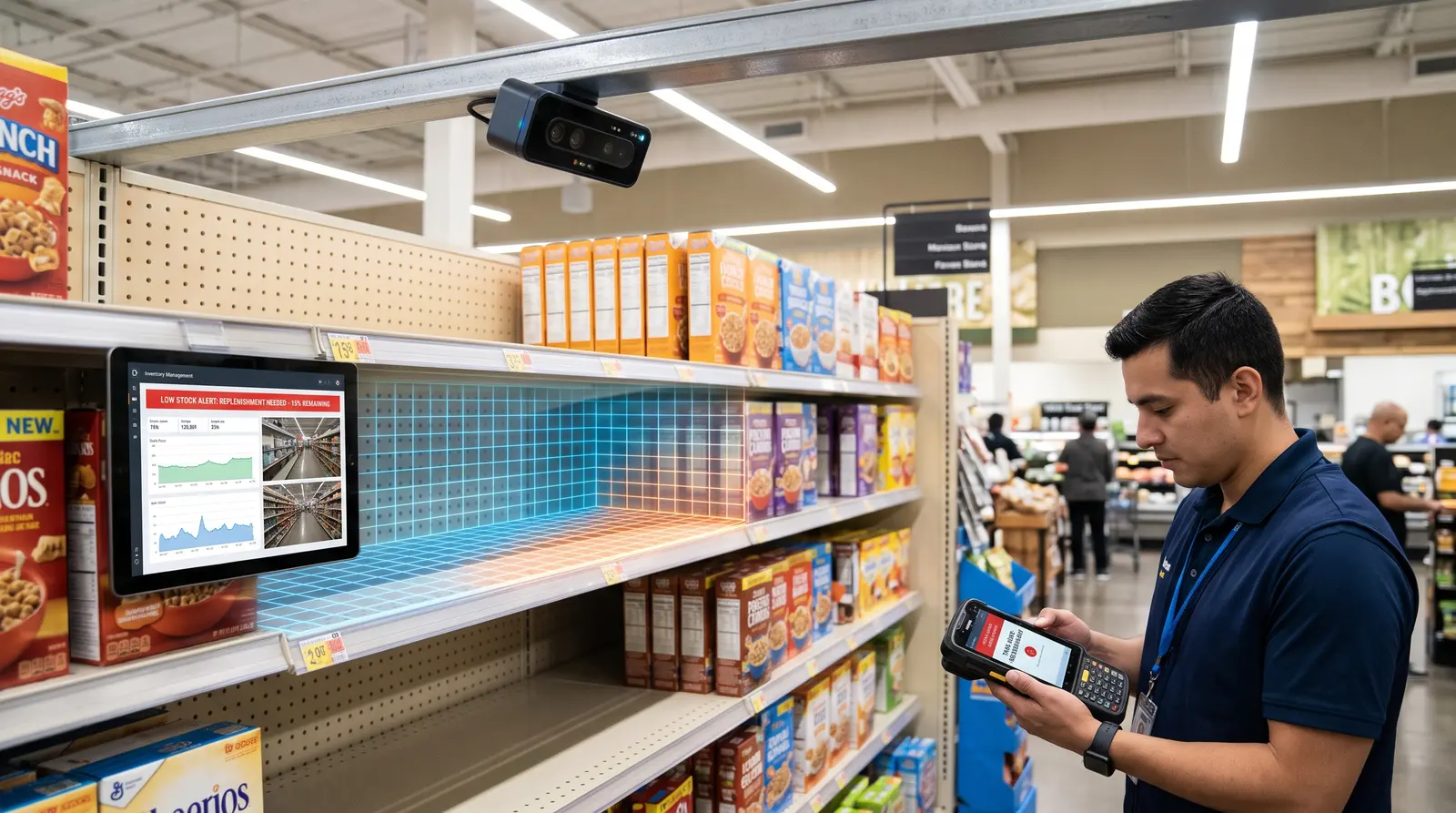
A depth camera sees what is left on the shelf and calls staff when the goods run out.
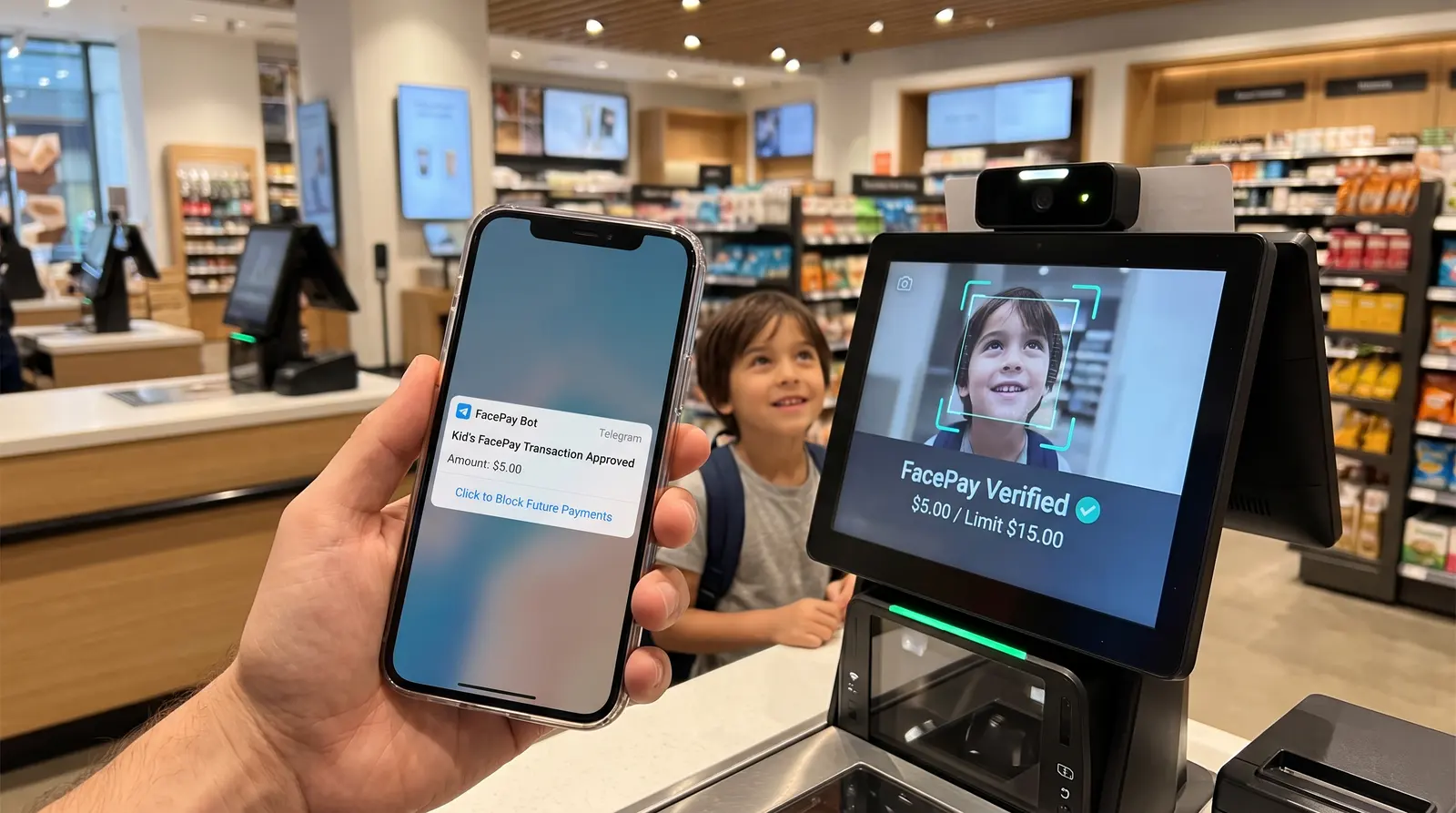
A family account: a child pays with their face within a limit, the parent gets a notification and can block payments in Telegram.
Ordinary IP cameras already installed on site will do. For cash desks, shelves and Face Pay — depth cameras. If a camera goes offline, you get a “Camera offline” alert.
A module is switched on for a specific camera: people counting at the entrance, receipt monitor at the till, points at the ride.
An incident arrives in the app, on the web and in Telegram — one message with video. Security taps “Take into work” or “False alarm”.
Owner, administrator, observer — each sees their own.
The cameras are already there.
Time to put them to work.